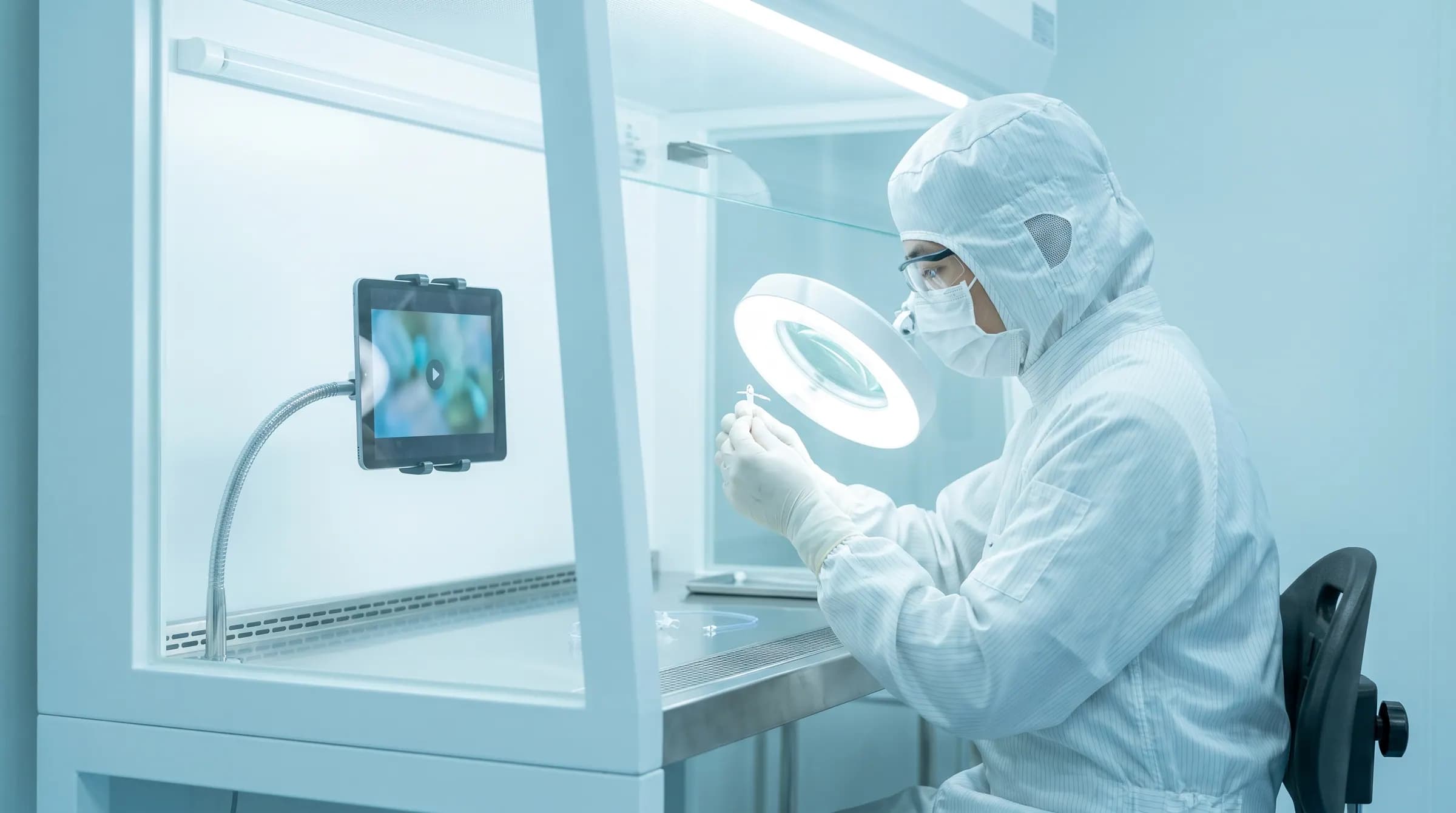






In a medical device cleanroom, an operator in a white gown inspects a catheter part under a magnifier lamp at a laminar flow bench, next to a tablet with a paused training video.

SOP to training video,7 working days

You send the material and approve the script, we do the rest, and this page shows the day each step is done.

Work out your date

Live inseven working days

The day we receive your material is day 1. Your review time, weekends and national holidays are not counted.

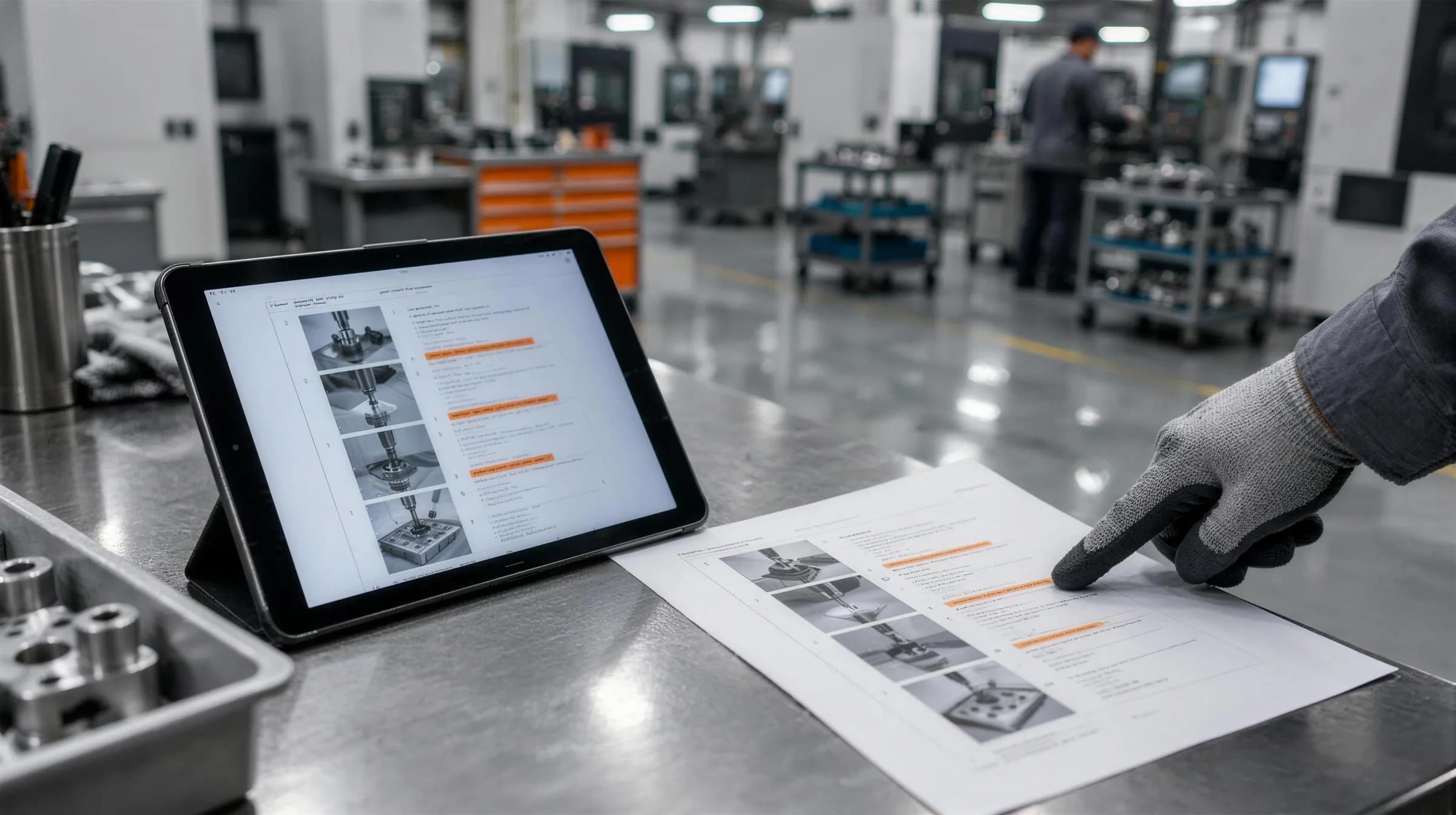
  • A tablet on a workbench shows a scanned SOP page with three orange highlighted lines, beside the printed copy, a gloved hand pointing at one step, the workshop floor out of focus behind.

    Day 1: It arrives

    Your SOPs, slides, photos or floor footage reach us, in any format. We read them that day and list the tasks to cover and any missing pages.

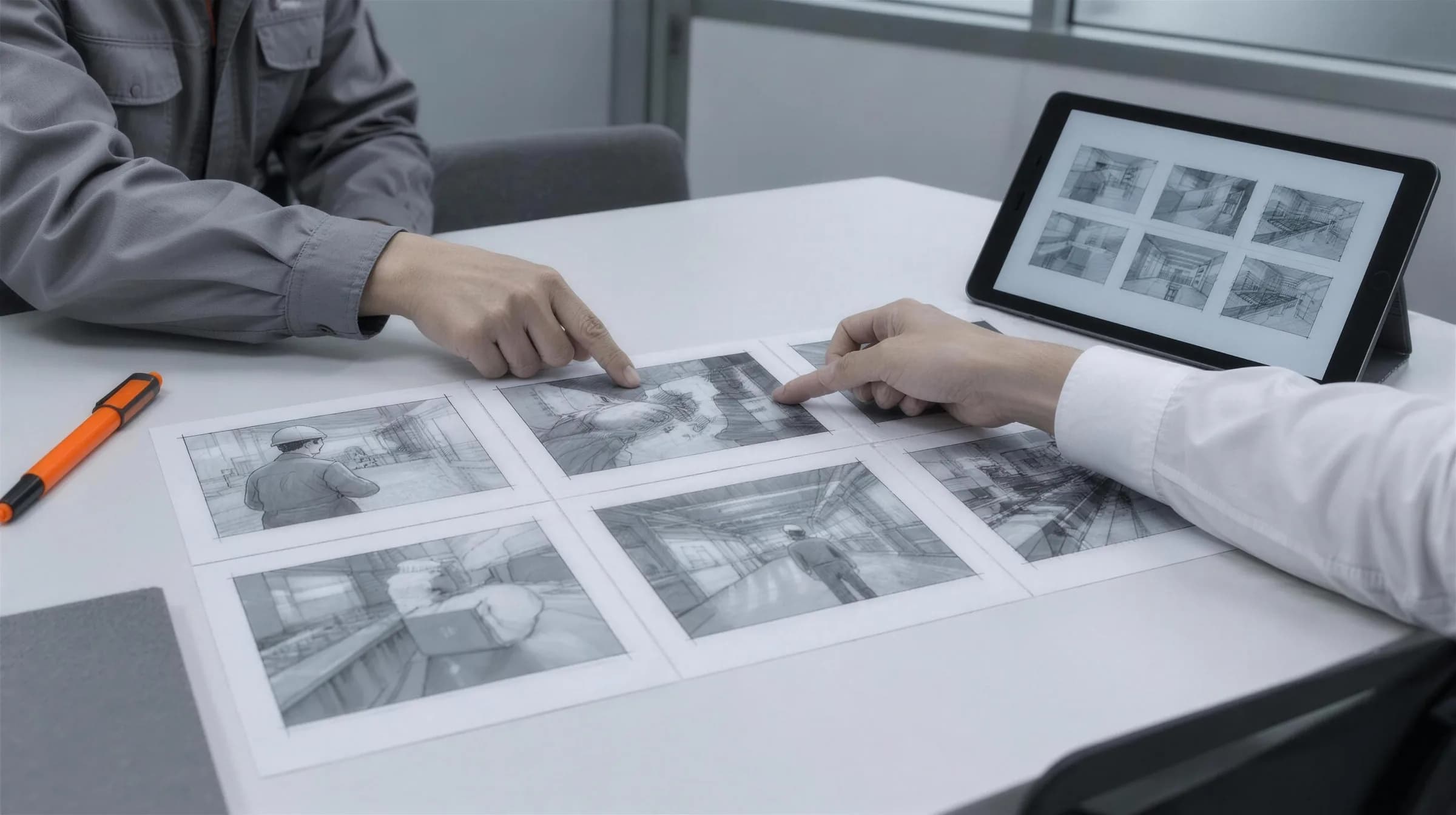
  • A storyboard review in a small meeting room: six printed frames on a white table, two people's hands pointing at one frame, a tablet showing the same frames and an orange marker.

    Days 2 to 3: Script and storyboard

    We write the script and storyboard from the SOP, and every torque or temperature carries its SOP page. We start only after your process owner approves.

  • Storyboard frames pinned in a row on a cork strip above a drawing table, a tablet with an SOP page, a pencil and an orange marker, and a warm desk lamp.

    Day 4: Animation

    We animate each step from the approved storyboard, plus any phone clips your line leader records.

  • A gloved hand uses a torque wrench on an assembly fixture, an orange torque label on the fixture, the workshop out of focus behind.

    Day 5: Edit and subtitles

    We edit and add the voice with Chinese and English subtitles, so it works muted on a loud floor.

  • A worker in a grey uniform stands beside grey lockers, seen from the side, taking a short quiz on a phone with one answer ticked in orange.

    Day 6: Quiz

    Each video gets a short quiz, and a pass mark completes it. You preview the video and the questions first.

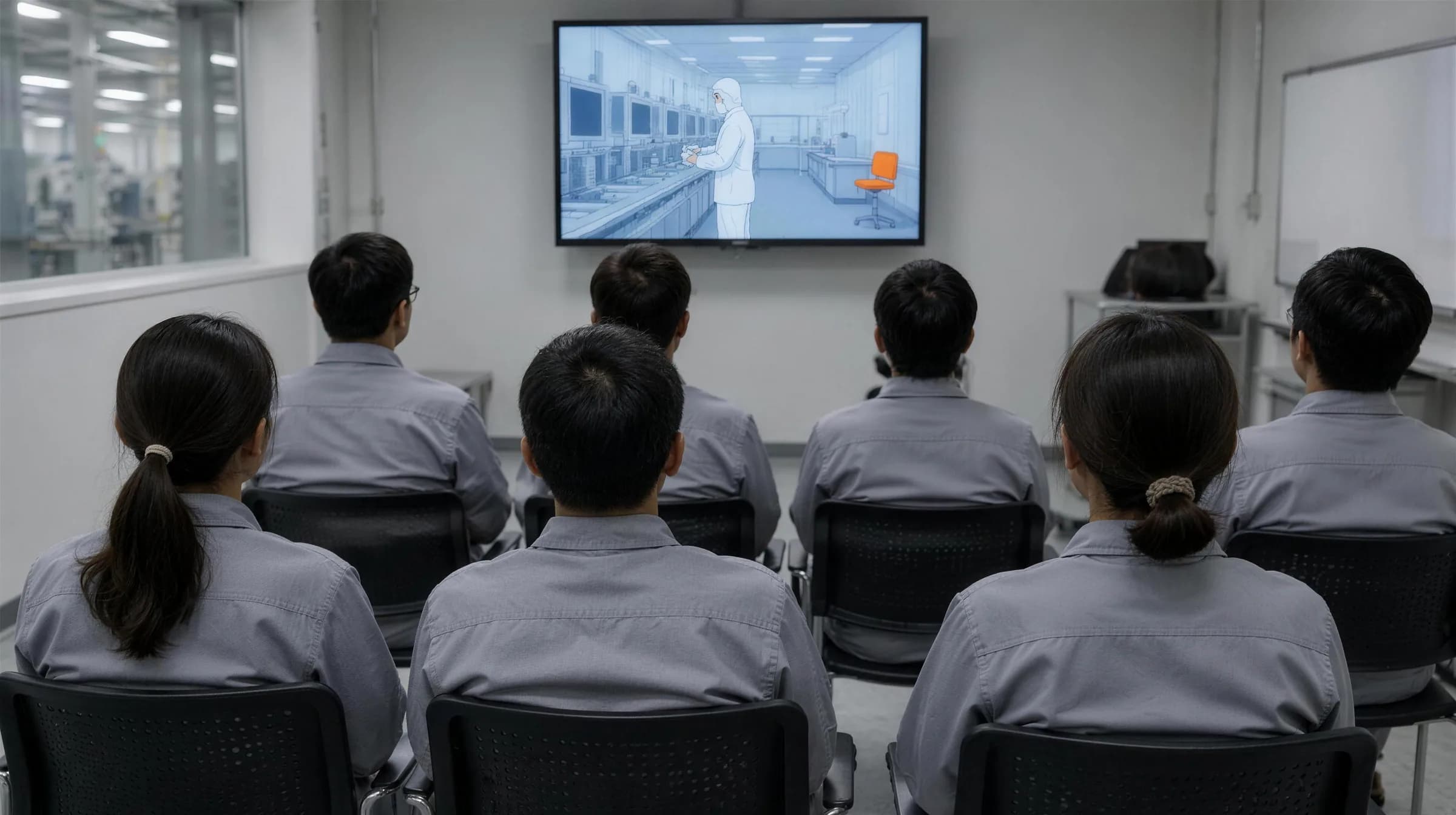
  • A small factory training room: eight staff in grey uniforms sit in rows, seen from the back, watching a wall screen that shows a lesson frame with an orange chair in it.

    Day 7: Live

    The course goes live on the EverLearn platform. Staff sign in on their phones and watch, with nothing to install.

  • A quality manager at a wooden desk looks at a completion report on a laptop, one bar in orange, with a clean, bright factory floor behind a glass wall.

    After launch: The manager sees it

    Managers see at once who has finished and who has not passed yet. Training records export for the auditor.

Your launch date

Pick the day you send the material and every step lists the day it is done. The dates are worked out in your browser, and nothing is sent anywhere.

The day we receive your material is working day 1, and the course goes live on working day 7. Saturdays, Sundays and national holidays are not counted, and neither are the days you take to review the script.

For example, material sent on Wed 23 December:

Mon 4 January 2027

Live on

When each step is done

  1. Material receivedWed 23 DecemberWorking day 1
  2. Script and storyboard approvedMon 28 DecemberWorking day 3
  3. AnimationTue 29 DecemberWorking day 4
  4. Editing and subtitlesWed 30 DecemberWorking day 5
  5. QuizThu 31 DecemberWorking day 6
  6. LiveMon 4 January 2027Working day 7
A quality manager's hands sign an approval sheet at a desk by the line, a printed storyboard beside it, an orange stamp pad and a pair of safety glasses.
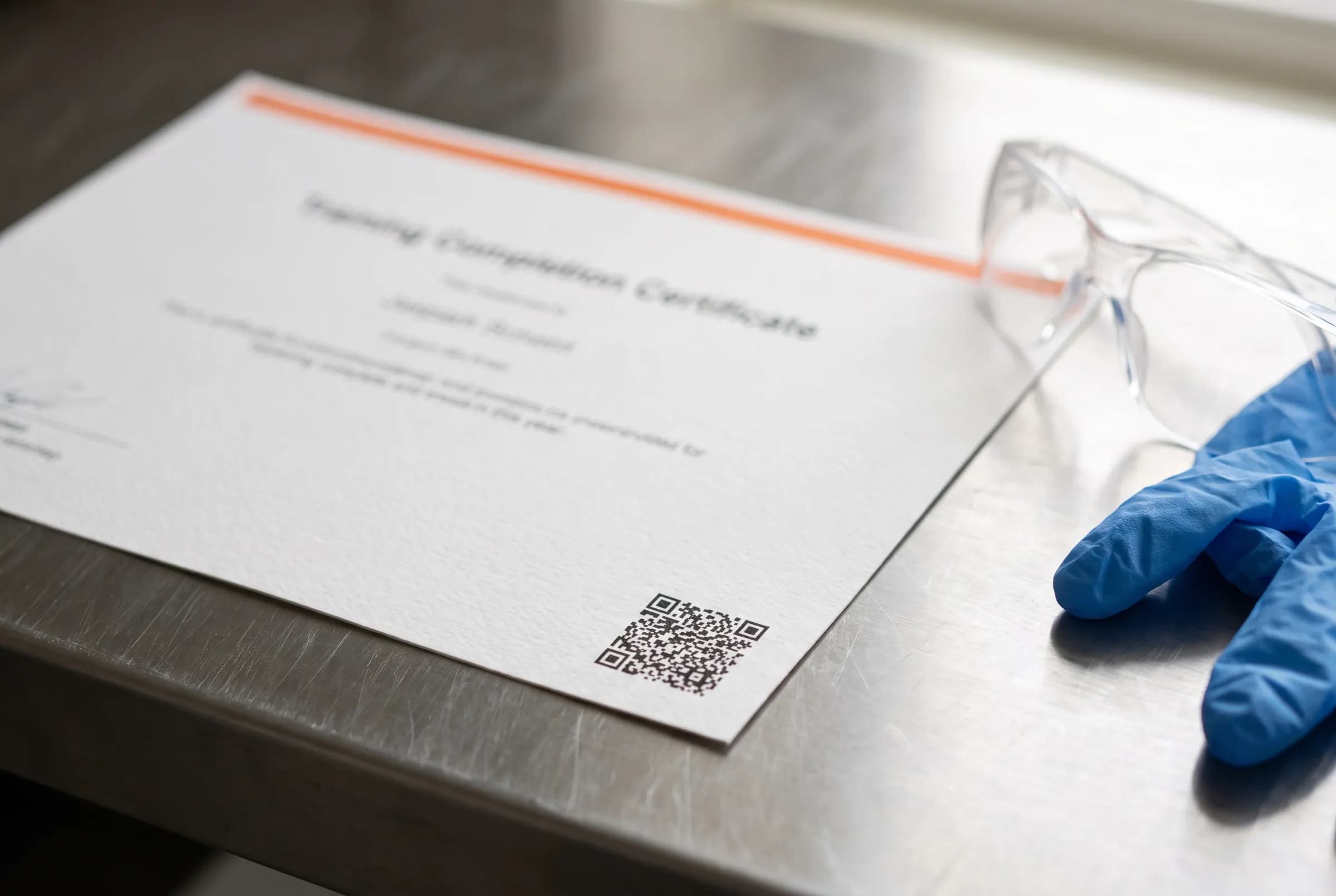
A printed training completion certificate with a QR code and a thin orange line on a steel bench, beside safety glasses and a blue glove.
A cleanroom entrance, a gloved hand holding a white badge to the reader on a steel turnstile, a green light on, an orange stripe on the gate.
A quality manager's hands sign an approval sheet at a desk by the line, a printed storyboard beside it, an orange stamp pad and a pair of safety glasses.

You sign off first

Every technical value in the script, such as a torque or a temperature, is listed with its source page in the SOP. Your named process owner checks each one, and we start production only after the approval, which is stored with the course version.

If a wrong value is found later, we correct it, the owner confirms again, and only then do we publish again.

A sample script

Shot 2, set the torque

  • Voice: Set the torque to 2.5 newton metres.
  • Source: SOP page 4
  • Owner: approved

Quiz question 1

  • What torque do you set?
  • Answer: 2.5 newton metres
  • Source: SOP page 4
A printed training completion certificate with a QR code and a thin orange line on a steel bench, beside safety glasses and a blue glove.

Quiz and certificate

The quiz

Every video comes with a short quiz that staff answer on their phone. A pass mark completes the course, and the score goes into the training record.

The certificate

After the quiz is passed, the certificate is issued automatically. Each one has a number and a QR code, so an auditor can scan it and check it without logging in.

See a certificate check
A cleanroom entrance, a gloved hand holding a white badge to the reader on a steel turnstile, a green light on, an orange stripe on the gate.

Your records,your people only

Videos and training records are seen by the people you assign, and by no one else.

Your staff
only. Lessons open for the people you assign, after they sign in.
Your company
only. Each company sees its own people and its own records, never another company's.
Your audit
ready. Completion, quiz results and certificates export in one click for the auditor.

Required lessons are watched in full before the quiz, and the record shows when.

The full data protection terms are in the data processing agreement.

Five questions QA and HR ask

A morning briefing at the line: five workers in grey uniforms, seen from behind, stand around a supervisor holding a tablet with a lesson, an orange line on the floor.
  • A typical course takes 7 working days, counted from the day we receive the complete material: day 1 we receive it, days 2 and 3 you approve the script and storyboard, days 4 to 6 we produce it, and on day 7 it goes live with zh and en subtitles and a quiz. The days you spend reviewing the script are not counted, so the faster you reply, the sooner the course goes live. If the material is large or complex, we read it first and give you a schedule and a quote.

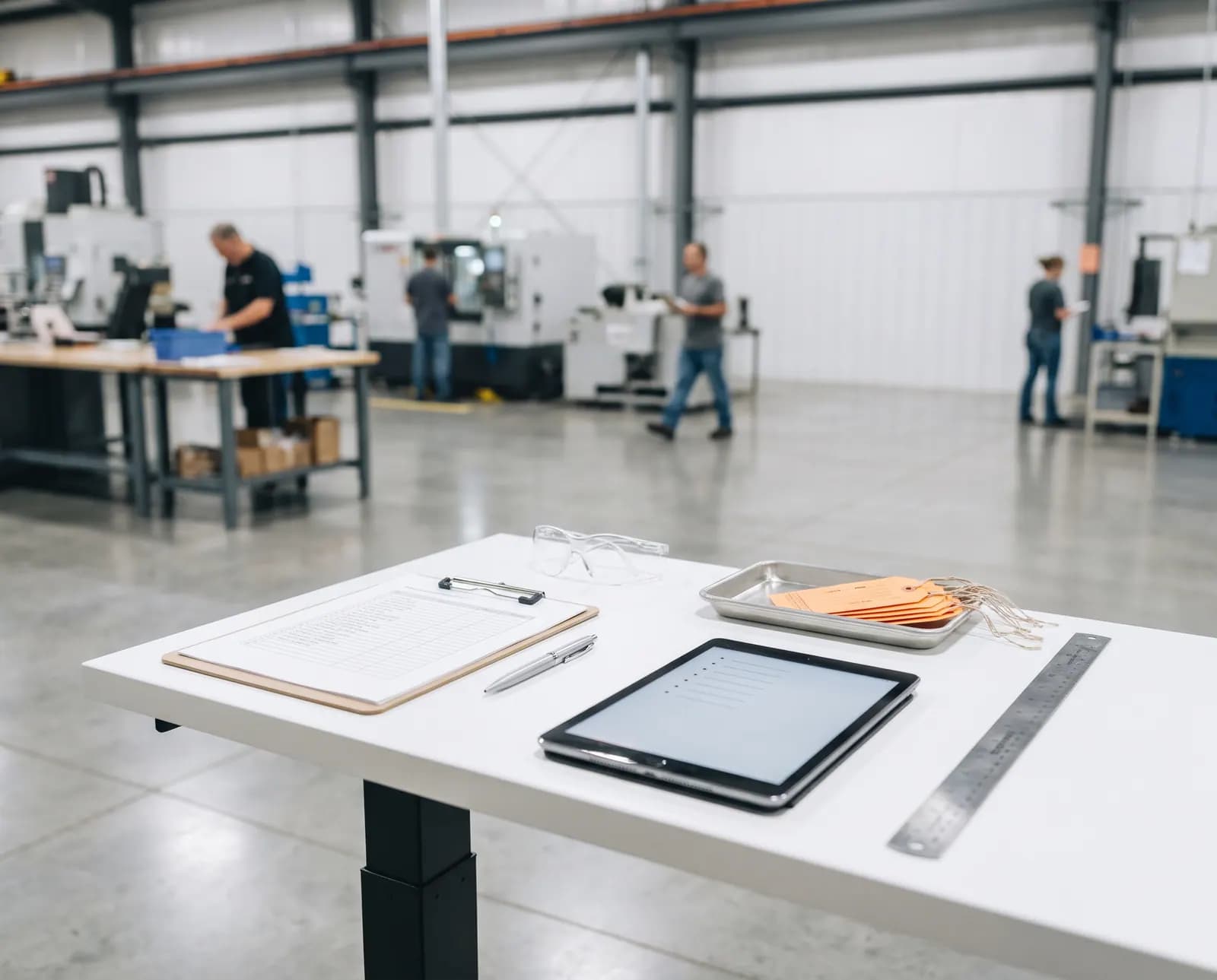
The same quality desk seen wider, with the machining floor and people at work behind it.

Send us one page of your SOP

Within three working days of receiving it, you see it as a video.

Send one page